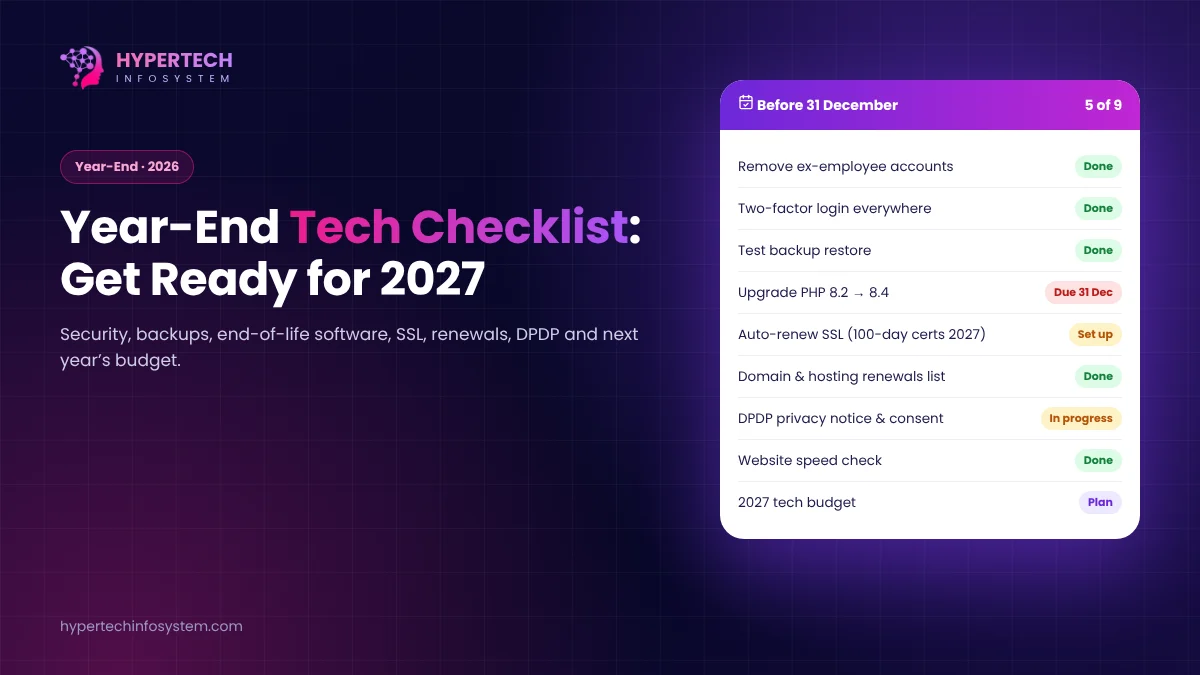
The last weeks of the year are usually quieter, which makes them the best time to do the tech housekeeping that never feels urgent until something breaks. Here is a checklist we use with our own clients. Most items take an hour or less.
1. Security and access
- Remove accounts of people who left this year: email, CRM, ERP, website admin, hosting, social media, bank portals.
- Turn on two-factor login wherever it is still off.
- Change shared passwords, and move them into a password manager.
- Check who has admin rights. Most people don’t need them.
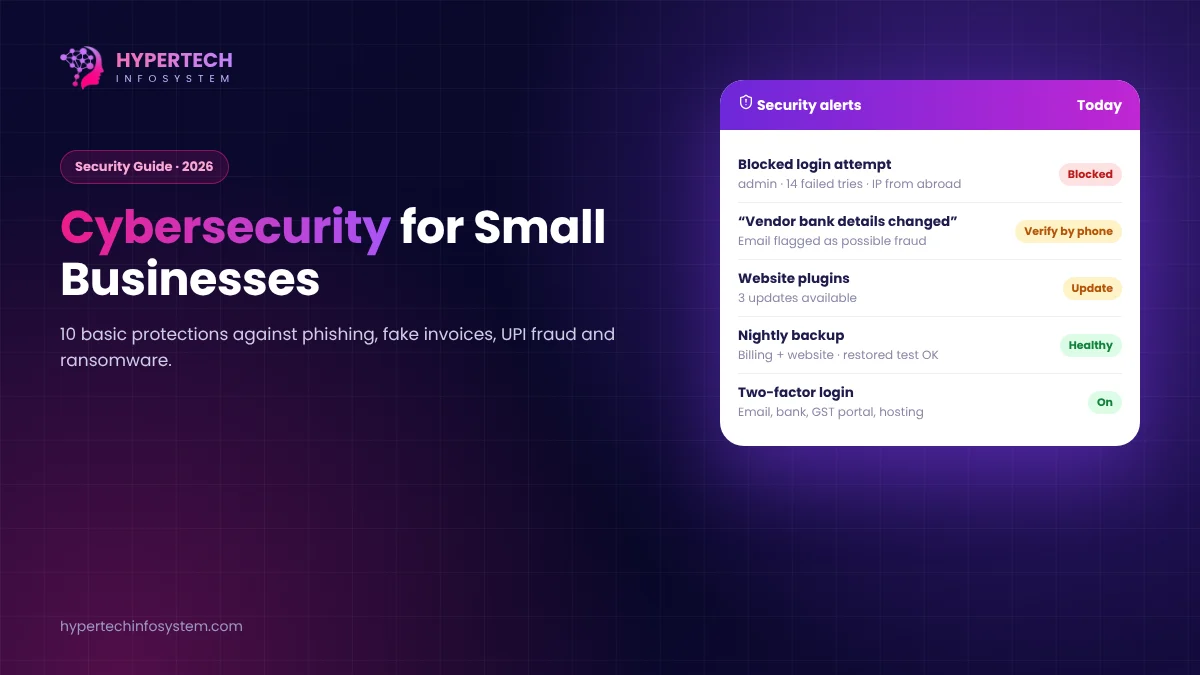
Our 10 cybersecurity protections guide has the full list.
2. Backups you have actually tested
Restore one file from your accounting, billing and website backups. If it doesn’t work today, it won’t work on the day you need it.
3. Software that is reaching end of life
- PHP 8.2 reaches end of life on 31 December 2026. After that, it gets no security fixes. Many websites, WordPress installs and custom portals still run on it. Ask your developer or host to move to PHP 8.4 or 8.5, and test the site after the upgrade.
- Windows 10: Microsoft ended regular support in October 2025. Computers still on Windows 10 without a paid Extended Security Updates plan should be upgraded or replaced, especially the ones used for banking and billing.
- Check your website’s CMS, plugins and themes for updates, and remove the ones you don’t use.
4. SSL certificates are getting shorter
Under the CA/Browser Forum’s schedule, public SSL/TLS certificates issued from 15 March 2026 can be valid for at most 200 days. That drops to 100 days from 15 March 2027 and to 47 days by 2029. If anyone in your team renews certificates by hand, now is the time to switch to automatic renewal, so your site never shows a “Not secure” warning.
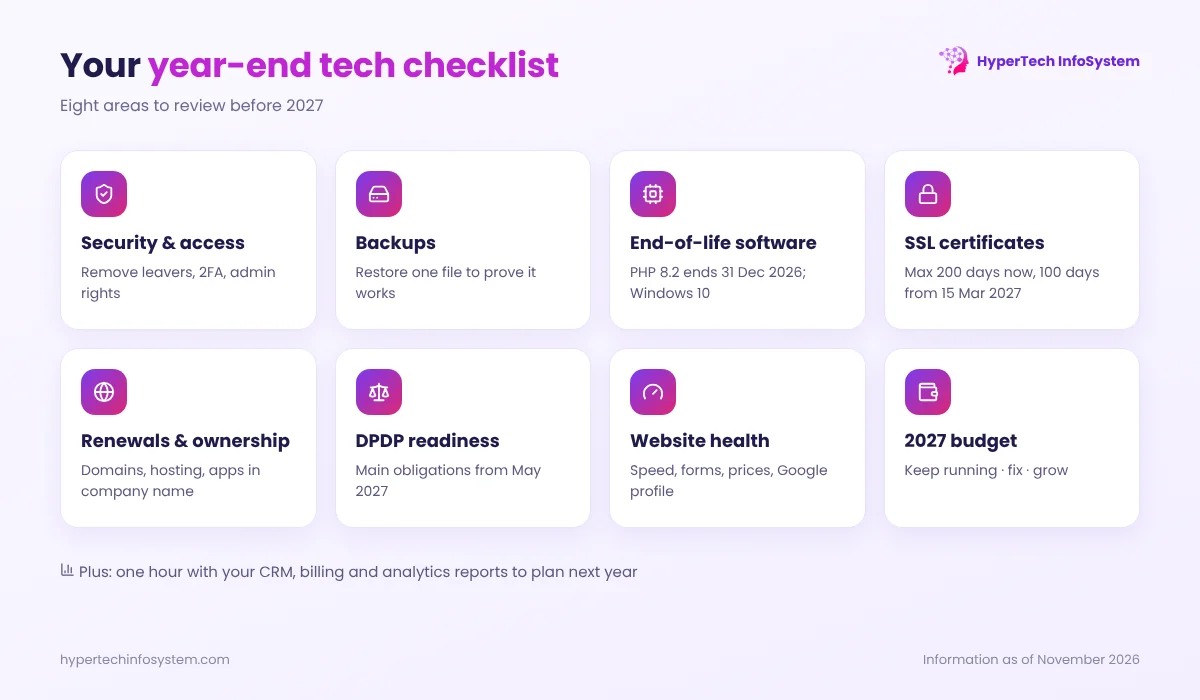
5. Renewals and ownership
- List every domain, hosting plan, email plan, software subscription and app store account with its renewal date.
- Make sure each one is in the company’s name, with a company email, not a former employee’s or freelancer’s.
- Cancel subscriptions nobody used this year.
6. DPDP readiness
The main obligations of India’s data protection law apply from May 2027. Before the year ends, list where you collect personal data (website forms, apps, CRM, HR files), update your privacy notice, add consent checkboxes where needed and decide how long you keep data. Our DPDP checklist walks through it.
7. Website health check
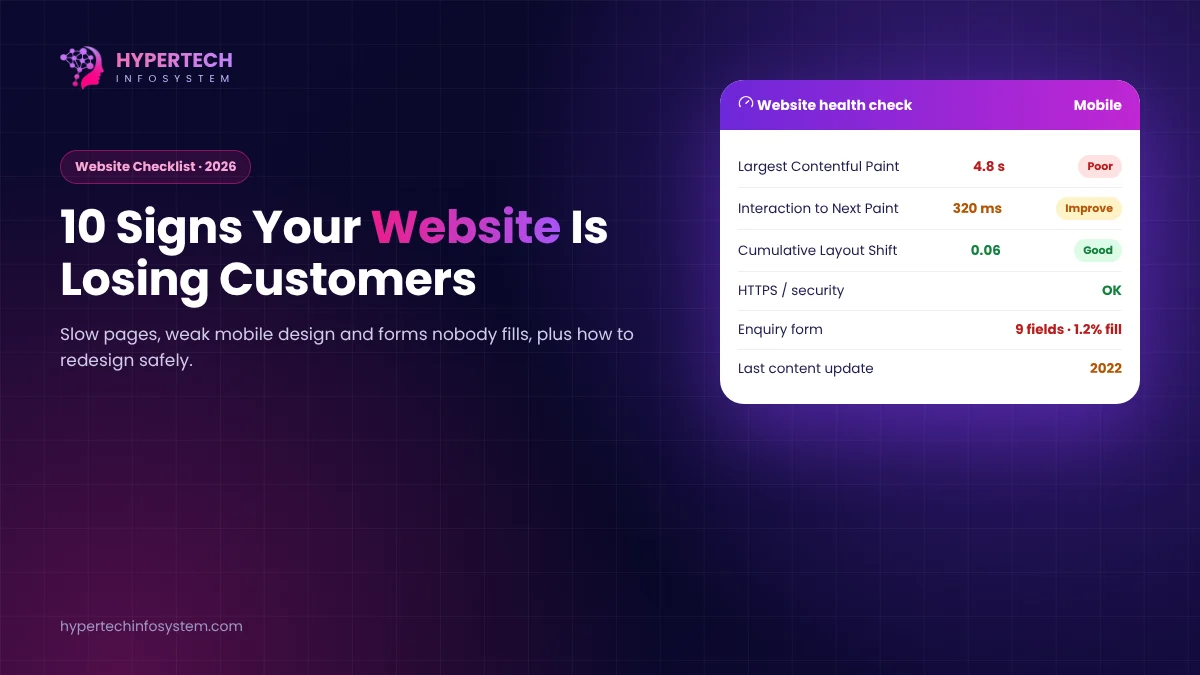
- Speed on mobile and Core Web Vitals in Google Search Console
- Broken links, outdated prices, old offers and team photos
- Contact forms and WhatsApp buttons: send a test enquiry and see where it lands
- Google Business Profile: hours, photos, holiday timings and replies to reviews
If several things look wrong, read 10 signs your website needs a redesign.
8. Look back at the numbers
Which marketing channel brought the most enquiries? Which product or service grew? Where did customers complain? Your CRM, billing software and analytics already know. An hour with these reports is the best input for next year’s plan.
9. Make a simple 2027 tech budget
Split it into three parts: keep running (renewals, maintenance, security), fix (the things that annoyed your team this year) and grow (one or two projects that bring revenue or save real time, such as a CRM, an app, automation or a new website). Fewer, finished projects beat many half-done ones.
Want a second pair of eyes?
HyperTech InfoSystem offers a year-end technical review of your website, hosting, security and software, with a short, prioritised list for 2027. Book a slot before the new year.
Sources: php.net supported versions (PHP 8.2 EOL 31 Dec 2026); CA/Browser Forum Ballot SC-081v3 as summarised by DigiCert and SSL.com; Microsoft Windows 10 end of support (14 Oct 2025); DPDP Rules 2025 timeline.
0 Comments
No comments yet. Be the first to share your thoughts!
Leave a Comment
Your email will not be published. Comments appear after approval.