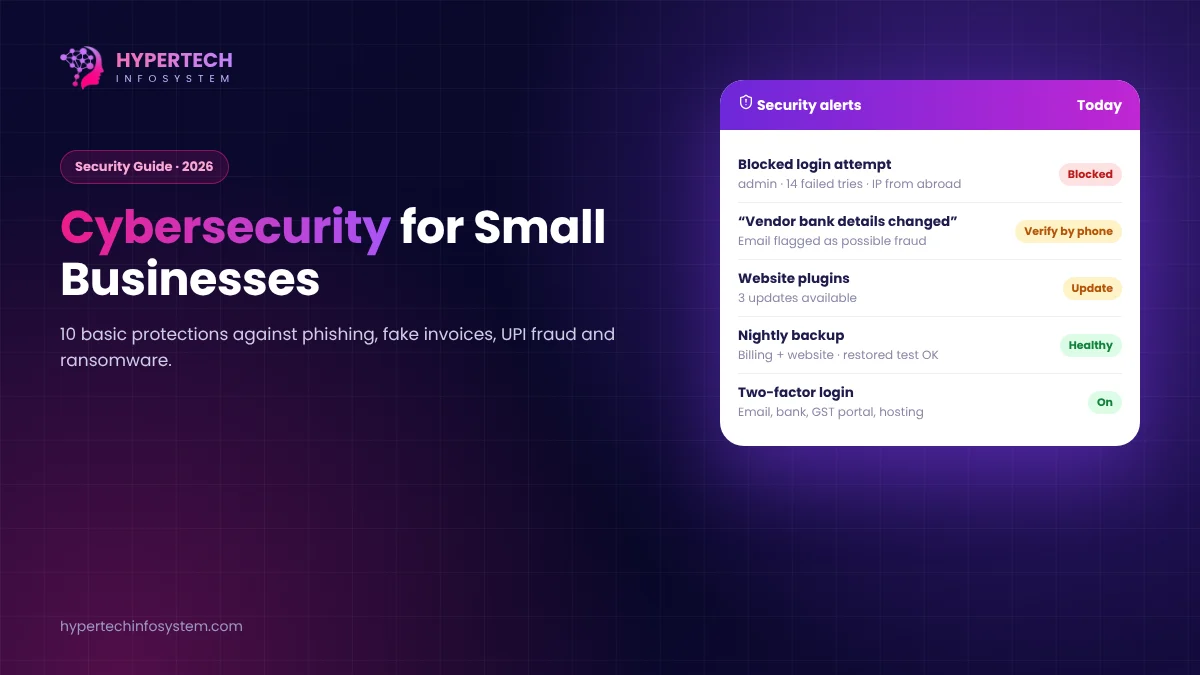
“We’re too small to be hacked” is the most expensive sentence in business. Attackers rarely pick a target by size. They send thousands of fake emails and WhatsApp messages and wait for someone to click, or they scan the internet for old, unpatched websites. Small businesses are simply easier to get into.
The numbers in India
According to Ministry of Home Affairs data shared in Parliament, about 24 lakh financial fraud complaints were registered on the National Cyber Crime Reporting Portal in 2025, with reported losses of around ₹22,495 crore, up from about 19.2 lakh complaints in 2024. Behind those numbers are many shop owners, traders and service firms who paid a fake invoice or lost access to their accounts.
How small businesses usually get hit
- Fake payment requests: an email or WhatsApp that looks like it came from a known supplier, saying “our bank account has changed”.
- Fake payment screenshots and “I sent extra by mistake, please refund” tricks at the counter or on the phone.
- Phishing links that steal email, banking or GST portal passwords.
- Ransomware that locks your billing or accounting computer until you pay.
- Hacked websites running old plugins or software, used to spread malware or redirect visitors.
10 protections worth doing this month
1. Turn on two-factor login everywhere
Email, net banking, GST portal, domain and hosting accounts, social media and your website admin. A stolen password is useless without the second step.
2. Verify every bank detail change by phone
If a vendor says their account has changed, call them on the number you already have, not the one in the email. Make this a written rule for your accounts team.
3. Check money in your bank or UPI app, not on screenshots
Train counter staff to confirm payments in the soundbox, the merchant app or the bank statement before handing over goods.
4. Keep software updated
Windows, browsers, antivirus, your website’s CMS and plugins, and the server’s PHP version. Many website hacks use holes that were fixed months earlier.
5. Back up, and test the backup
Keep at least one copy offline or in a separate cloud account that ransomware can’t reach. Once a quarter, actually restore a file to check it works.
6. Give each person their own login
No shared “admin/admin123” accounts. Give staff only the access they need, and remove it the day someone leaves.
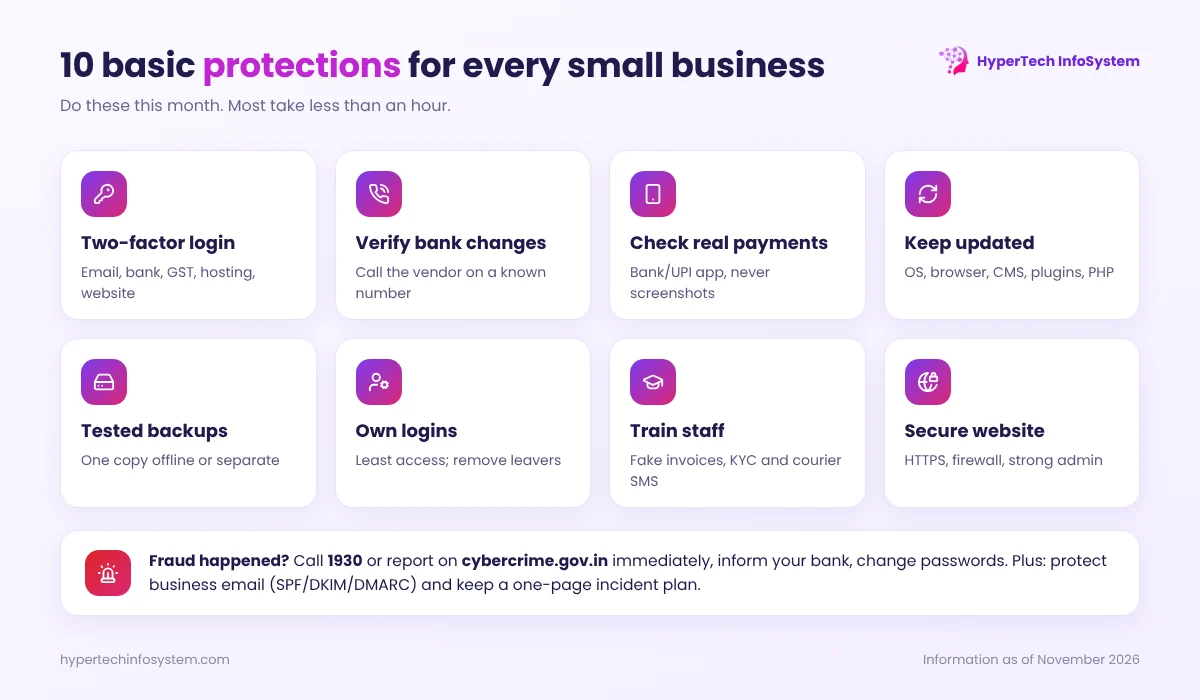
7. Train your team for 30 minutes
Show real examples of fake courier SMSes, “KYC expiring” messages, fake invoices and “digital arrest” calls. People who have seen a trick once are much less likely to fall for it.
8. Secure your website
HTTPS, strong admin passwords, limited login attempts, regular updates and a web application firewall if possible. Don’t store card details yourself; let your payment gateway handle them.
9. Protect business email
Use a proper business email service with spam filtering, and set up SPF, DKIM and DMARC records for your domain so others can’t easily send fake mail in your name.
10. Write a one-page incident plan
Who to call, which accounts to freeze, where the backups are and how to inform customers. Decide this on a calm day, not during an attack.
The first hour after a fraud
- Call 1930, the national cyber fraud helpline, or file a complaint on cybercrime.gov.in. Speed matters: banks can sometimes freeze the money before it moves on.
- Inform your bank and change passwords for affected accounts.
- Disconnect infected computers from the network, but don’t wipe them; evidence helps.
- If you are a service provider, intermediary, data centre or other covered body corporate, CERT-In’s 2022 directions require certain cyber incidents to be reported to CERT-In within six hours of noticing them, and ICT logs to be kept for 180 days.
- If personal data of customers or staff is involved, plan for India’s data protection rules too. Our guide on the DPDP Act explains the 72-hour breach reporting requirement that applies from May 2027.
Where HyperTech can help
We build websites, apps and business software with security in from the start (role-based access, activity logs, encryption and safe payment flows), and we review and harden existing sites. Book a security review of your website or app.
Sources: Ministry of Home Affairs replies in Parliament on NCRP data for 2024 and 2025 (reported by Dynamite News, ANI and Angel One); CERT-In Directions under Section 70B(6) of the IT Act, 28 April 2022.



0 Comments
No comments yet. Be the first to share your thoughts!
Leave a Comment
Your email will not be published. Comments appear after approval.