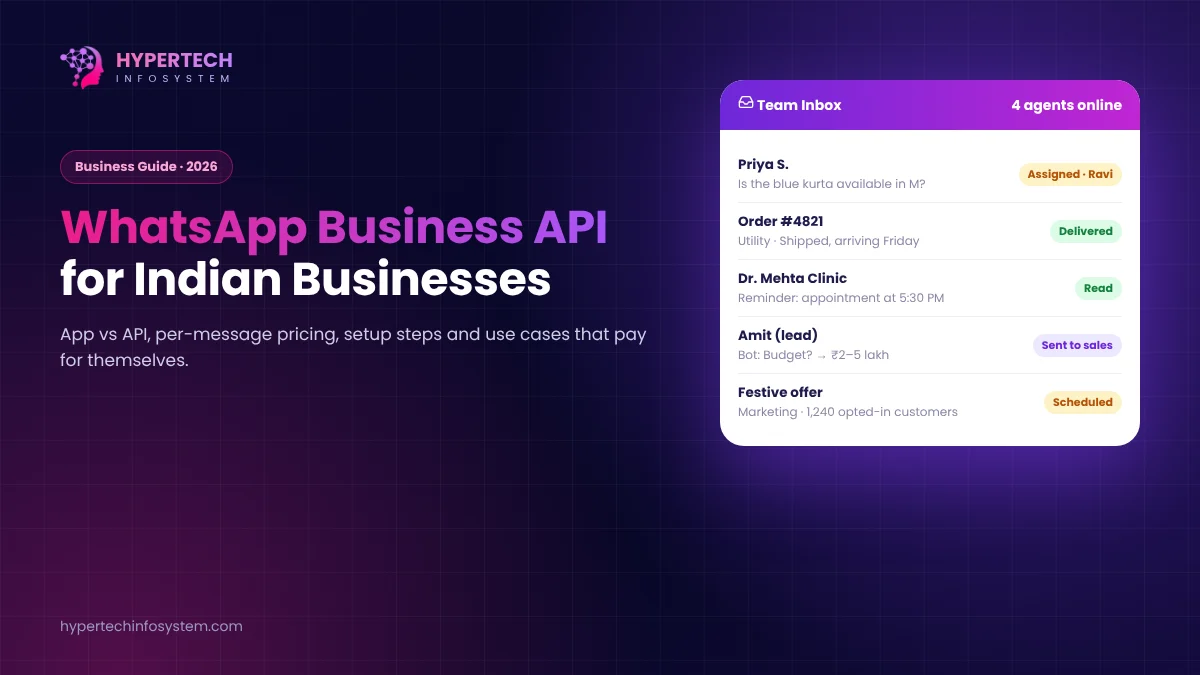
For many Indian businesses, WhatsApp is the real front desk. Customers ask for prices there, share payment screenshots there and complain there. The free WhatsApp Business app handles this well for one person and one phone. Once you have several staff, automated order updates or thousands of customers, you need the WhatsApp Business Platform, which most people still call the “WhatsApp API”.
WhatsApp Business app vs the API
| Business app | Business Platform (API) | |
|---|---|---|
| Users | One phone, plus linked devices | Whole team on one shared inbox |
| Automation | Basic quick replies and away messages | Chatbots, CRM, order and payment systems |
| Bulk messages | Broadcast lists with limits | Approved templates at scale |
| Cost | Free | Pay per delivered template message, plus provider fees |
| Green tick | Not available | Can apply for verification |
How pricing works now
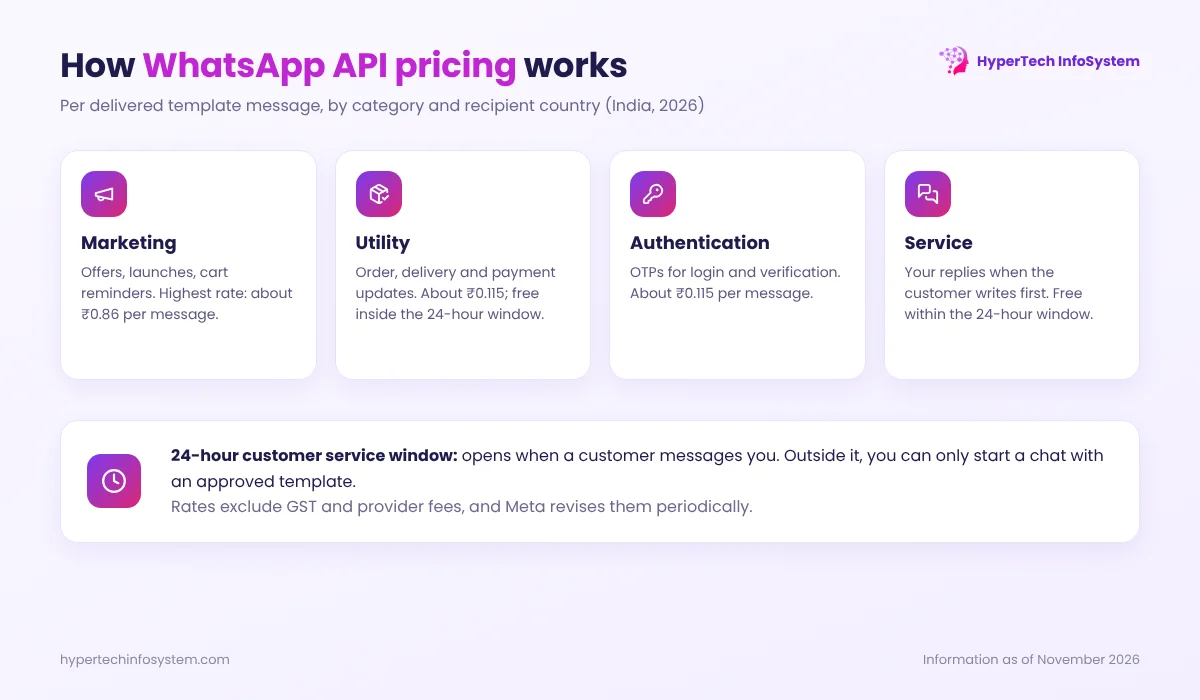
Since 1 July 2025, Meta charges per delivered template message, based on the message category and the recipient’s country code. There are four categories:
- Marketing: offers, new arrivals, festive greetings, cart reminders. The most expensive category.
- Utility: order confirmations, shipping updates, appointment reminders, invoices.
- Authentication: one-time passwords (OTPs) for login or verification.
- Service: your free-form replies when a customer messages you first.
When a customer messages you, a 24-hour customer service window opens. Inside it, your normal replies are free, and Meta’s documentation says utility templates sent inside the window are also free. Outside the window, you can only start a conversation with an approved template, which is charged.
For India, published rates in 2026 are roughly ₹0.86 per marketing message (Meta raised it about 10% on 1 January 2026) and around ₹0.115 per utility or authentication message, before GST. Your Business Solution Provider (BSP) may add its own markup or platform fee, so always ask for the full per-message cost. Meta revises rates every few months, so check the current rate card before you plan a big campaign.
What you need to get started
- A Meta Business account, ideally verified with your business documents.
- A phone number that is not active on the regular WhatsApp app (or one you are ready to move to the platform).
- A provider: Meta’s Cloud API directly (needs a developer) or a BSP that gives you a ready inbox and dashboard.
- Message templates submitted for approval. Write them clearly, choose the right category, and avoid misleading or overly promotional wording, or they may be rejected or re-categorised.
- Opt-in: collect customers’ permission to message them on WhatsApp, for example with a checkbox at checkout.
Use cases that pay for themselves
- Order and delivery updates for e-commerce and distributors, which also reduce “where is my order?” calls.
- Appointment reminders for clinics, salons and service centres, which cut no-shows.
- Payment reminders with a UPI link for schools, societies, gyms and B2B suppliers.
- Lead qualification: a chatbot asks two or three questions and passes serious leads to sales.
- Support with a shared inbox, where chats are assigned to the right person and nobody replies twice.
- Click-to-WhatsApp ads: people who message you from these ads open a free 72-hour window, a useful way to lower costs.
Practical tips to control cost and avoid blocks
- Use utility templates for genuine transactional updates, and keep marketing for real offers.
- Don’t message people who never opted in. Too many “block” and “report” actions lower your quality rating and messaging limits.
- Personalise (name, order number) and keep messages short with one clear button.
- Track replies and conversions, not just “sent”.
Connecting WhatsApp to the rest of your business
The API is most useful when it talks to your other systems: your CRM records every chat, your billing software sends the invoice, and your AI chatbot answers routine questions at night. HyperTech InfoSystem builds these integrations, and our HyperChatBot AI works on both your website and WhatsApp. Book a meeting and we’ll map out what makes sense for your volume and budget.
Sources: Meta, “Pricing on the WhatsApp Business Platform” (developer documentation); India rate changes effective 1 January 2026 as reported by Meta partners. Rates are indicative and change periodically.
0 Comments
No comments yet. Be the first to share your thoughts!
Leave a Comment
Your email will not be published. Comments appear after approval.