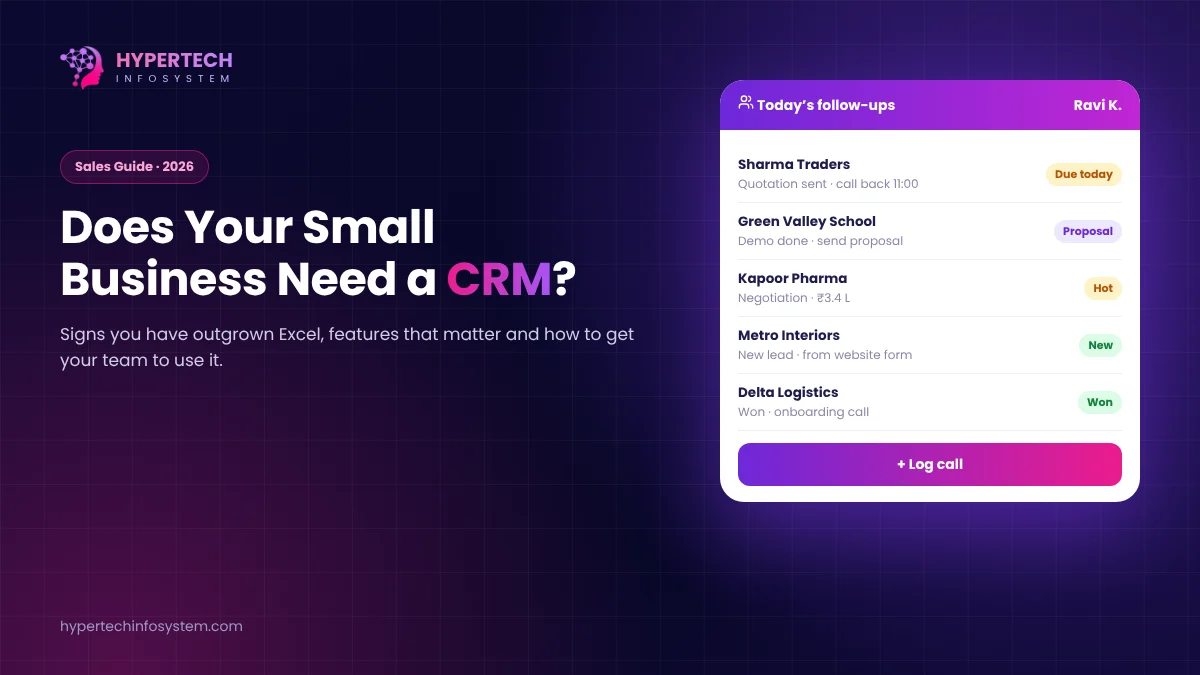
Ask a small business owner where their leads are and you’ll usually get an honest answer: “Some are in my WhatsApp, some in the sales guy’s phone, and the rest in an Excel sheet that nobody updates.” That works until a good customer slips away because nobody called back. A CRM (customer relationship management) system is simply one shared place for every lead, customer, call and follow-up.
Six signs you have outgrown Excel
- You can’t say, without asking around, how many enquiries came in last month and how many closed.
- Follow-ups depend on someone remembering.
- When a salesperson leaves, their customer history leaves with them.
- Two people sometimes call the same customer, or nobody does.
- Quotations are made from old Word files, with old prices.
- You spend Monday mornings collecting updates instead of selling.
If three or more sound familiar, a CRM will pay for itself quickly.
What a small business CRM should do
Capture leads automatically
Enquiries from your website form, Facebook and Instagram lead ads, IndiaMART or JustDial, and WhatsApp should land in the CRM without anyone copying them.
Show a clear pipeline
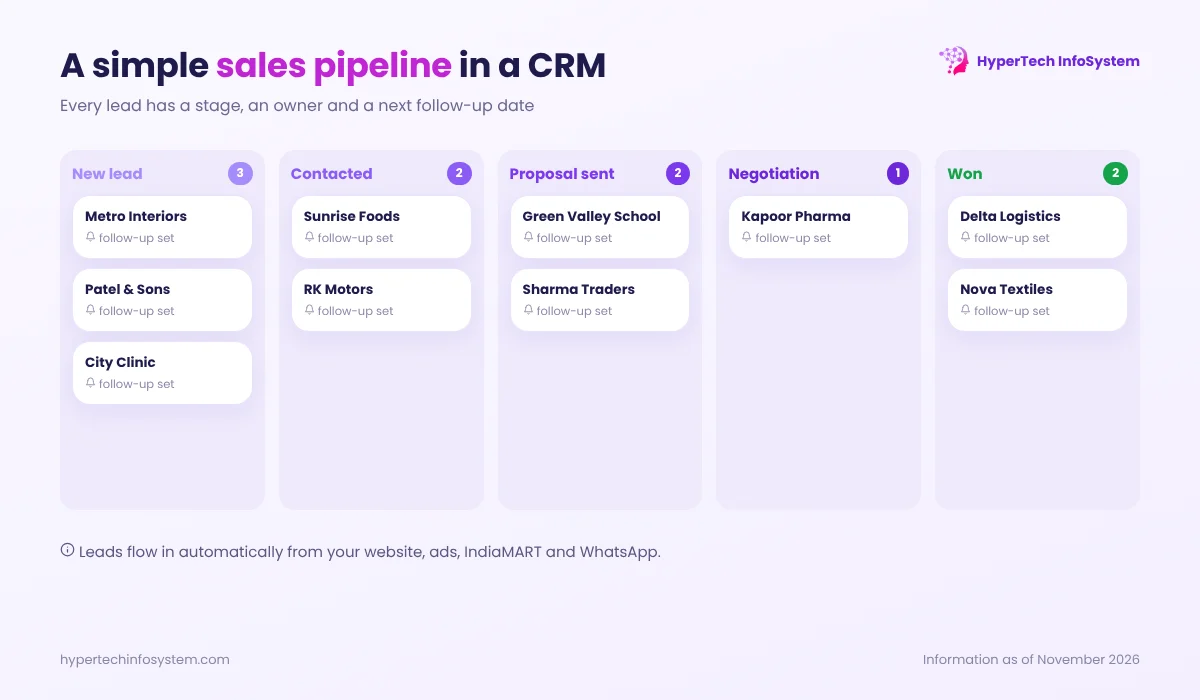
Every deal sits in a stage, such as New, Contacted, Proposal sent, Negotiation, Won or Lost. You can see at a glance what is stuck.
Remind people to follow up
Tasks and reminders for the next call, with a daily list for each salesperson. Most lost deals are simply forgotten deals.
Make quotations in two minutes
Quotes and proforma invoices from your product list with current prices and GST, sent as a PDF on email or WhatsApp.
Work on a phone
Field staff should be able to update a lead, log a visit or call, and see customer history from their mobile.
Give you simple reports
Leads by source, conversion rate, sales by person and pending follow-ups. These tell you which marketing spend is working.
Ready-made or custom CRM?
Ready-made CRMs (Zoho, HubSpot, Salesforce and many Indian options) are quick to start and fine for a standard sales process. Costs are per user per month and rise as your team grows. A custom CRM makes sense when your process is unusual, for example dealer networks, site visits with photos, service contracts with AMC renewals, or tight links with your own ERP or billing system. You own it, and there is no per-user fee.
Either way, don’t buy for features you might need “some day”. Start with leads, pipeline, follow-ups and quotations. Add the rest once people use it daily.
Getting your team to actually use it
- Keep data entry tiny. Five required fields, not twenty-five.
- Import existing data so nobody starts with an empty screen.
- Make it the only source of truth. If it isn’t in the CRM, it didn’t happen. Review the pipeline in the CRM in every sales meeting.
- Show salespeople what’s in it for them: fewer forgotten follow-ups and easier incentive calculation.
- Train in short sessions and fix small complaints quickly in the first month.
A note on customer data
A CRM holds personal data such as names, phone numbers and emails. Under India’s Digital Personal Data Protection framework, businesses need to protect this data, use it for the stated purpose and handle deletion requests. Choose a CRM with role-based access, activity logs and secure hosting. Our guide on the DPDP Act for websites and apps covers this in more detail.
How HyperTech can help
We build custom CRMs for Indian SMEs, connected to your website, WhatsApp, billing and ERP, and we help teams set up and migrate to ready-made platforms when that is the better fit. Book a free consultation and walk us through how a lead moves in your business today.
0 Comments
No comments yet. Be the first to share your thoughts!
Leave a Comment
Your email will not be published. Comments appear after approval.