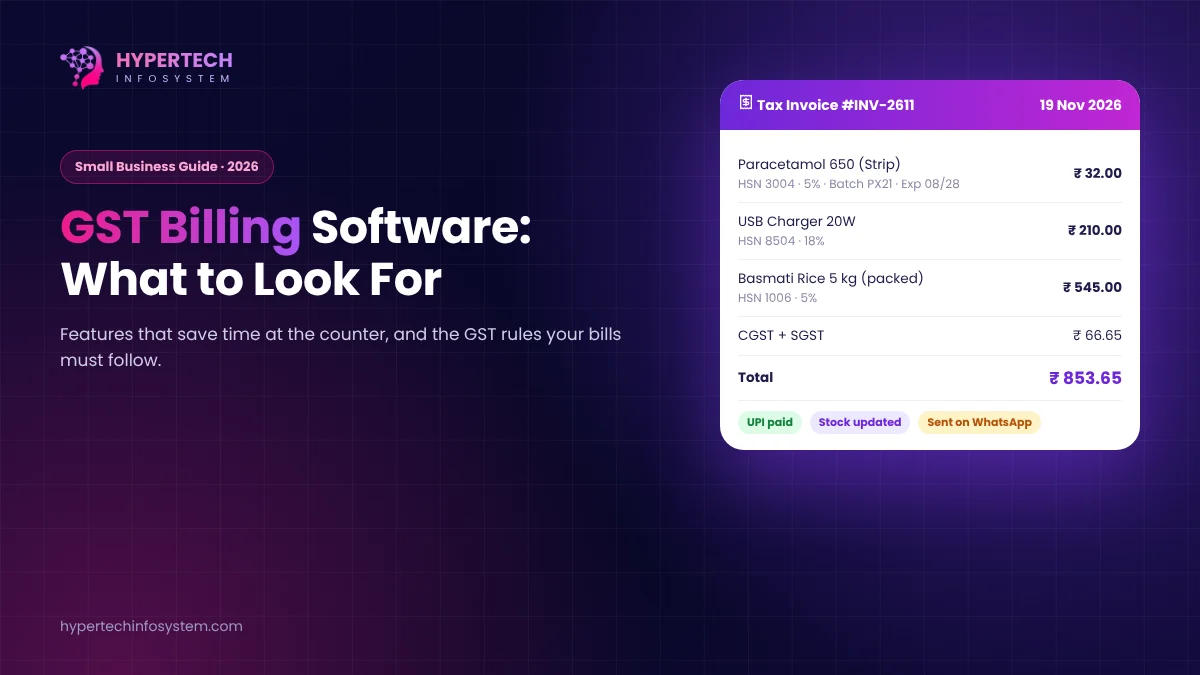
Most shop owners don’t switch to billing software because they love technology. They switch after a bad month: stock that doesn’t match, a customer disputing an invoice, or a GST return that took three evenings to put together. If that sounds familiar, this guide will help you pick software that fits the way you actually work.
First, a quick look at the GST rules your bills must follow
Good software is built around the law, so it helps to know the basics:
- New GST rates since 22 September 2025. After the 56th GST Council meeting, most goods and services moved to two main slabs, 5% and 18%, with a special 40% rate for a small list of luxury and “sin” goods. The old 12% and 28% slabs were removed for most items. Your software should let you update rates by HSN code in one go, not one product at a time.
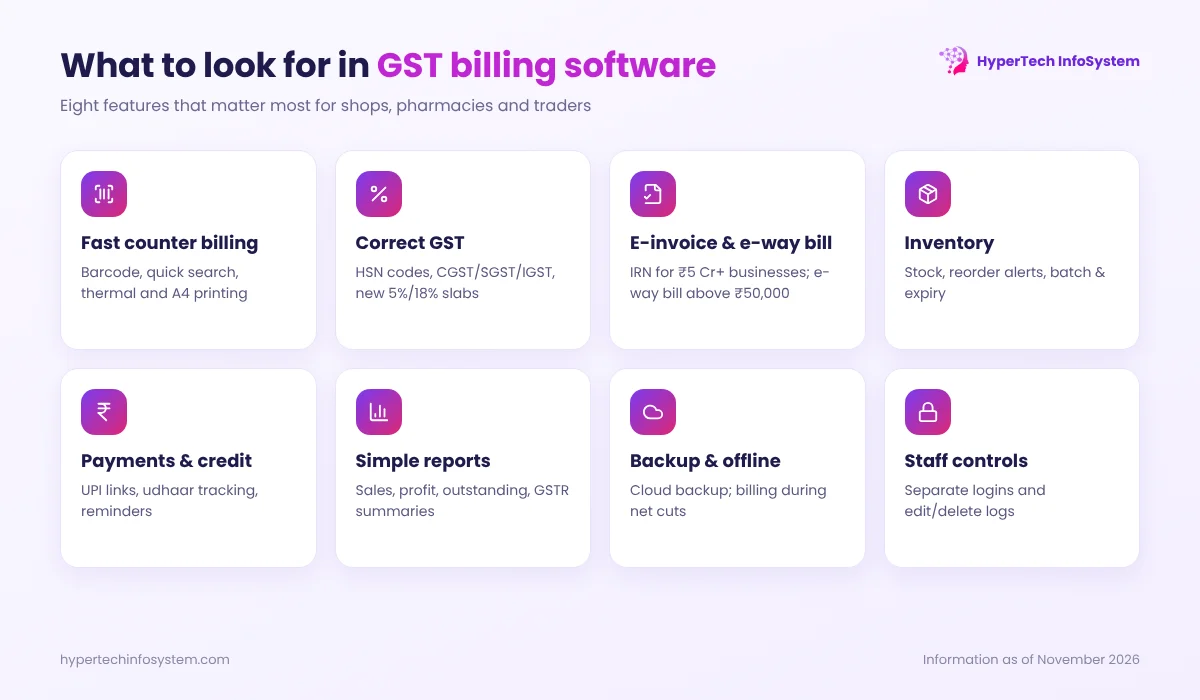
- E-invoicing above ₹5 crore. If your aggregate turnover crossed ₹5 crore in any year since 2017-18, B2B invoices must be registered on the Invoice Registration Portal (IRP) to get an IRN and QR code. Businesses with turnover of ₹10 crore or more must report each invoice within 30 days, or the portal rejects it.
- E-way bills. Moving goods worth more than ₹50,000 generally needs an e-way bill.
- Composition dealers (turnover up to ₹1.5 crore for most states) issue a Bill of Supply, not a tax invoice, and cannot charge GST to customers. Your software should support this format if you are on the scheme.
Features that actually matter
Every software company will show you a long feature list. These are the ones that save real time in a small business:
1. Fast billing at the counter
Barcode scanning, product search by name or short code, and printing on both thermal (2/3 inch) and A4 printers. If a bill takes more than 20–30 seconds, your staff will go back to the notebook during rush hour.
2. Correct GST, automatically
HSN/SAC codes on every item, automatic CGST + SGST or IGST depending on the customer’s state, and clean GSTR-1 and GSTR-3B summaries you can hand to your CA.
3. Inventory that stays accurate
Stock updates with every sale and purchase, low-stock alerts, and for medical stores, batch numbers and expiry dates. Expired stock that nobody noticed is pure loss.
4. Payments and credit (udhaar)
Record cash, UPI and card payments separately, send a UPI payment link or QR on WhatsApp, and track customer credit with reminders. Many small businesses lose more money to forgotten udhaar than to anything else.
5. Reports you will open
Daily sales, item-wise profit, top customers, pending payments and stock value. Keep it simple: if a report needs training to read, nobody will use it.
6. Backup and access control
Automatic cloud backup, separate logins for staff and owner, and a log of who edited or deleted a bill. This protects you from both computer crashes and “mistakes” at the counter.
Desktop, cloud or mobile?
| Type | Good for | Watch out for |
|---|---|---|
| Desktop (installed) | Single counter, unreliable internet | Backups are your job; hard to check sales from home |
| Cloud / web | Multiple counters or branches, owner wants live reports | Needs internet; check offline billing support |
| Mobile app | Small shops, field sales, very low volume | Small screens slow down busy counters |
Many stores now use a cloud system with an offline mode, so billing continues during an internet cut and syncs later.
Mistakes we see again and again
- Choosing on price alone. A free app that can’t handle your item count or batch tracking will cost more in lost hours.
- Skipping data migration. Ask how your existing item list, opening stock and customer balances will be imported.
- No training for staff. Ask for a short training session; it pays for itself in the first week.
- Forgetting the CA. Check that exports match what your accountant uses (Excel, JSON for GST returns or Tally-compatible formats).
How much does it cost?
Ready-made billing software usually costs a few thousand rupees per year per user. Custom billing software, built for a specific workflow such as a distributor with route sales or a chain of pharmacies, is a one-time project with a yearly maintenance plan. If your process is standard, start with ready-made. If you keep bending your work to fit the software, it may be time for something built for you. Our comparison of custom vs ready-made software explains this decision in more detail.
HyperTech Billing Software
Our Billing Software is built for shops, medical stores and trading businesses: fast GST billing, inventory with batch and expiry, customer credit, reports and secure backup. We also customise it for businesses with special workflows. Book a free demo and bring your real questions; we’ll show you how your day would look on it.
GST rules change from time to time. Please confirm rates and compliance requirements for your products with your CA.
Sources: GST Council 56th meeting decisions (rates effective 22 Sept 2025); CBIC Notification 10/2023-Central Tax (e-invoice threshold ₹5 crore); GSTN advisory on 30-day IRP reporting for AATO ₹10 crore+ (effective 1 April 2025); CGST Rule 138 (e-way bill).
0 Comments
No comments yet. Be the first to share your thoughts!
Leave a Comment
Your email will not be published. Comments appear after approval.